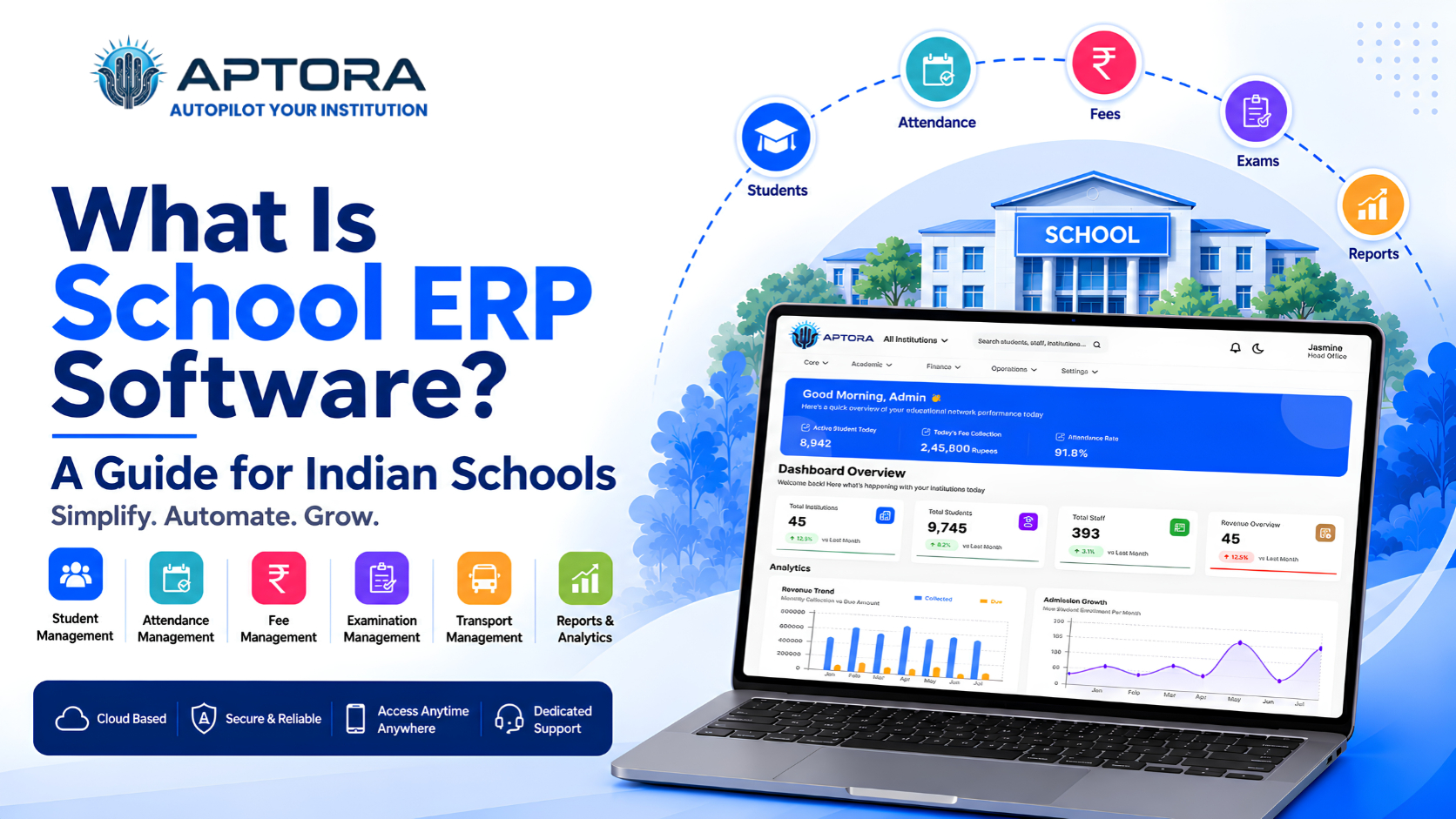
School ERP software is a digital system that helps a school manage administrative and academic work in one place. It may include tools for admissions, student records, attendance, fees, staff, communication, and reports. Schools often compare these systems when they want to reduce scattered records and make daily work easier to follow.
This guide explains what school ERP software does, which features to compare, and how to decide whether a system fits your school.
ERP means Enterprise Resource Planning. In a school, a school ERP system connects information and processes used by different teams. Instead of keeping each record in a separate file or spreadsheet, staff can work from a shared system with access based on their roles.
School ERP software is also called school management software, school administration software, or a school management system. The exact tools vary by provider, so schools should check what is included.
A school management system may include modules such as:
Some systems also include transport, hostel, exam, timetable, or parent portal features. Ask the provider to show the modules relevant to your school.
When a system matches the school's workflow and staff use it consistently, it can help the school:
Software does not replace clear processes or staff training. A school should plan how information will be entered, updated, and reviewed.
There is no single best school management software for every school. The right choice depends on the school's size, workflows, budget, and support needs. Use this checklist when comparing options:
Write down the tasks that take the most time or create the most confusion. For example, your team may need better ways to organise student records, track fees, or prepare reports.
Compare the system's features with your daily work. Ask whether the features you need are available in your plan and whether the workflows can be demonstrated.
Teachers, administrators, and accounts staff may use the system differently. Ask for a demo and let the people who will use it try common tasks.
Ask how staff access is managed, how information is backed up, and what controls are available for institutional records. Review the provider's policies and terms before choosing.
Ask how existing records can be moved, what training is offered, and how your team can get help after setup.
Check the pricing model, included modules, student or staff limits, setup costs, and renewal terms. Compare the full cost against what your school plans to use.
APTORA IMS describes itself as an institution management platform for schools and other educational institutions. Its listed modules include admissions, student management, staff management, fee management, transport management, communication, and reports. Schools should confirm the current features, plan details, and workflows in a demo before deciding whether Aptora fits their needs.
The best school management software is the one that fits your school's daily work, includes the modules you need, is usable by staff, and comes with suitable onboarding and support. Compare systems through a demo and review the full cost before choosing.
It can be useful if it helps the school organise important records and routine tasks. A small school should choose a system that fits its size and budget rather than paying for features it will not use.
Many schools look for student records, admissions, attendance, fees, staff tools, communication, and reports. The right feature set depends on each school's needs.
School ERP software can help connect important school processes, but the right choice depends on how well the system fits the school's actual needs. Use a checklist, involve staff in the demo, and ask clear questions about features, access, support, and cost.
APTORA IMS is one platform schools can evaluate. Book a demo to see its current modules and decide whether they match your school's requirements.