


APTORA IMS is more than just institution management software — it also supports the parent body behind educational institutions, such as Societies, Trusts, or NGOs. Managing these entities digitally is crucial for transparency, governance, and scalability, especially when overseeing multiple institutions.
In this blog, we’ll guide you step-by-step on how to add a Society or Trust Dashboard in APTORA IMS.
Step-by-Step Guide to Add Society / Trust in APTORA IMS
Step 1: Log in to the APTORA IMS Dashboard
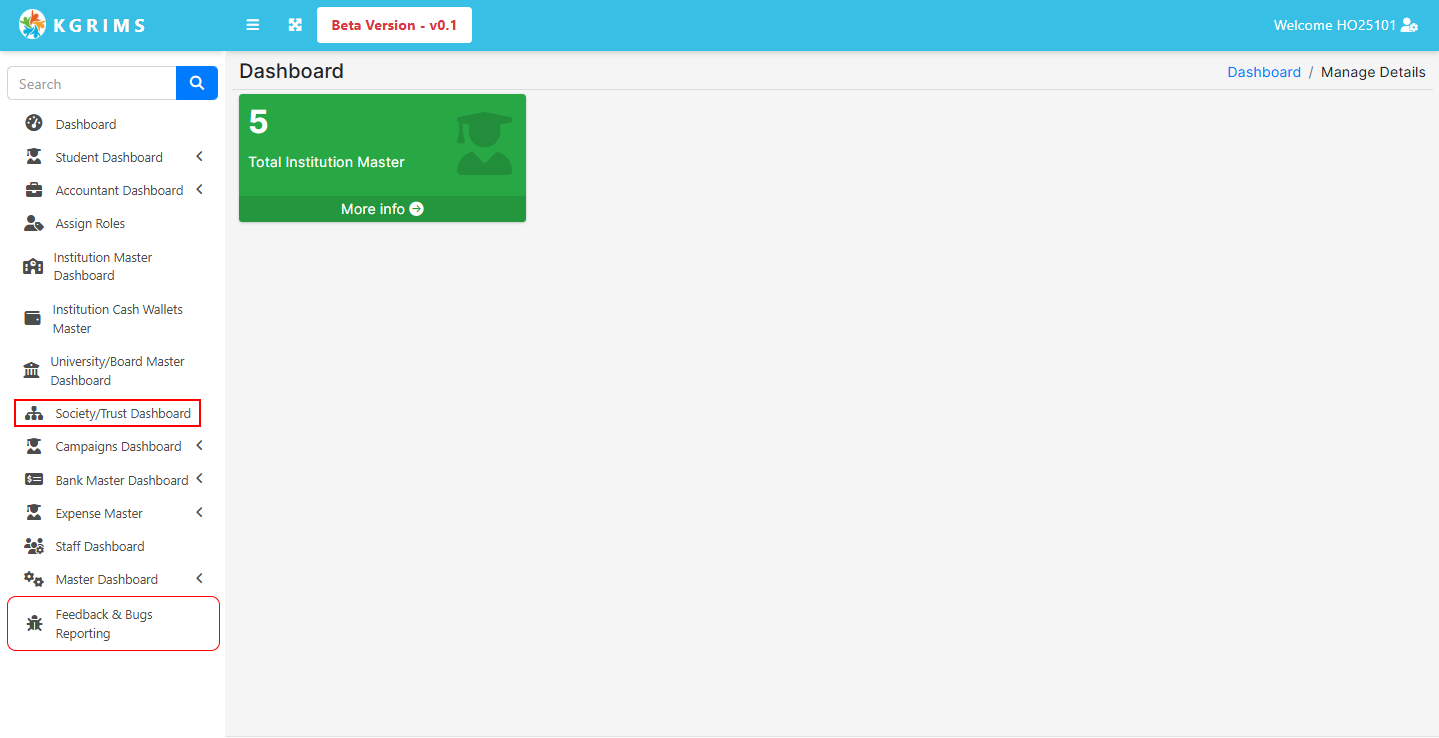
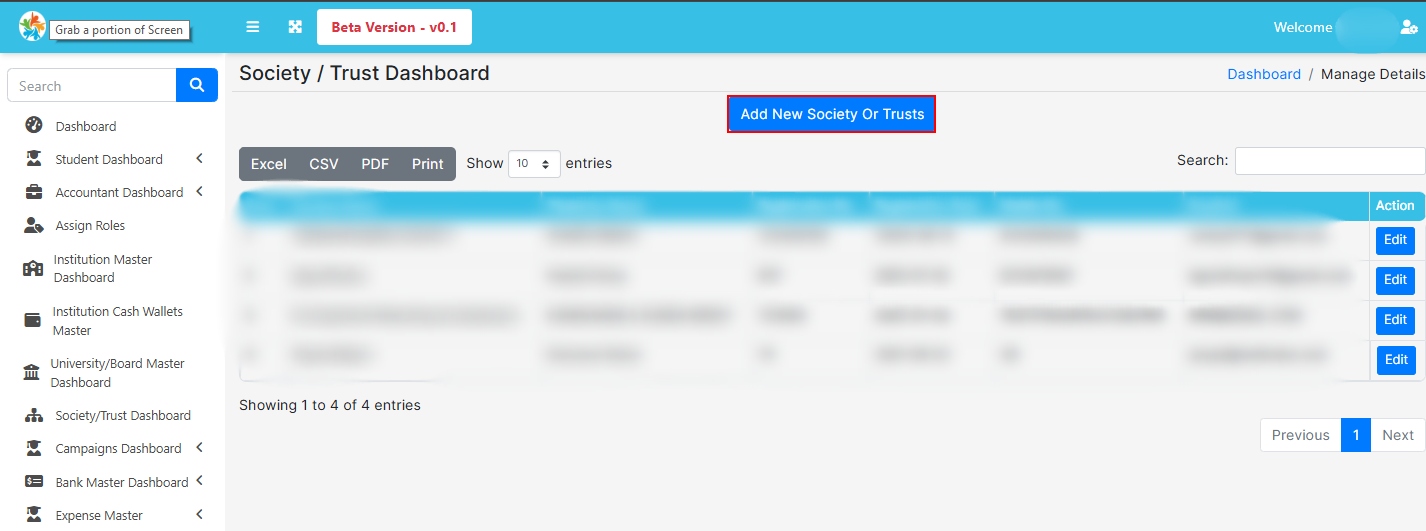
Once you're inside the dashboard, click on the “Add New Society or Trust” button.
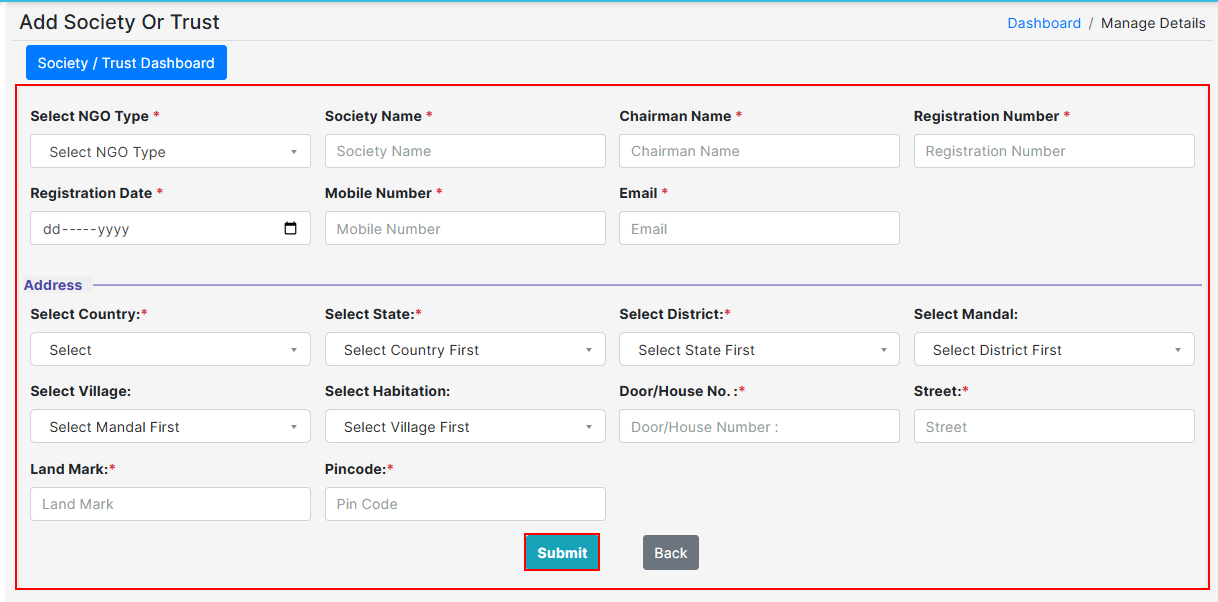
This opens a form that allows you to register all key information related to your society or trust.
Carefully enter all the details in the form:
🔘 NGO Type – Choose the type (Society, Trust, NGO, etc.)
🏛 Society Name – Full legal name of your organization
👤 Chairman Name – Name of the chairman or head of the trust
🆔 Registration Number – Government-registered ID
📅 Registration Date – The official date of registration
📱 Mobile Number – Contact number
📧 Email – Organization’s official email address
📍 Address Details – Full address including state, district, and pin code
Once you've completed all the fields, click “Submit.”
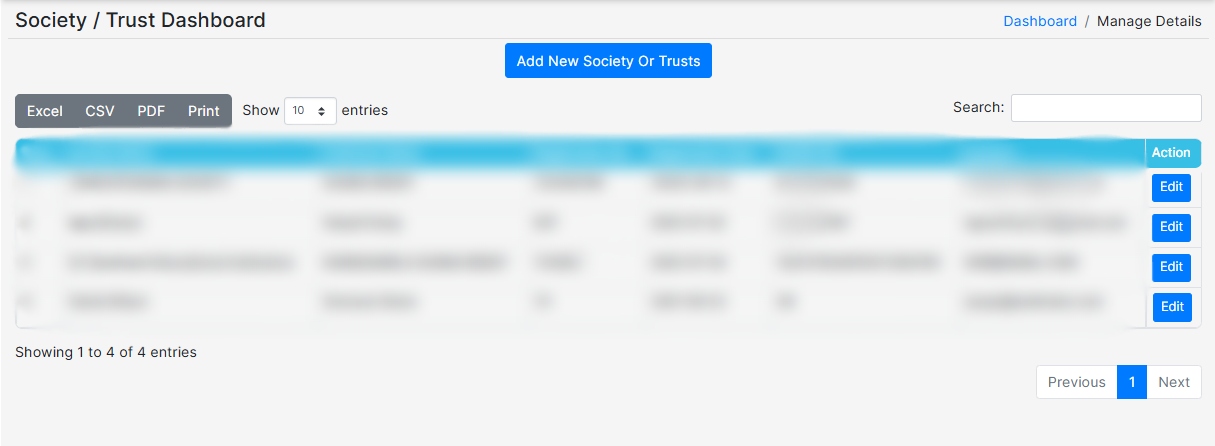
After submitting, the society/trust will be listed on the “Society / Trust” Dashboard.
From here, you can:
View all added societies or trusts
Edit or update their information
 Ready to manage all your institutions in one place with APTORA IMS?
Talk to our expert or contact us for further queries.